As of October 2018, Animoto Memories has become a legacy tool. As a company we've decided to focus our energy on making updates and improvements to our newest tool, Animoto 3. All accounts can have access to Animoto Memories, but there won't be any new updates or changes to Animoto Memories going forward. If you love using Animoto Memories though, we will always be here to support you if you ever have any questions! Click here to learn more about Animoto Memories.
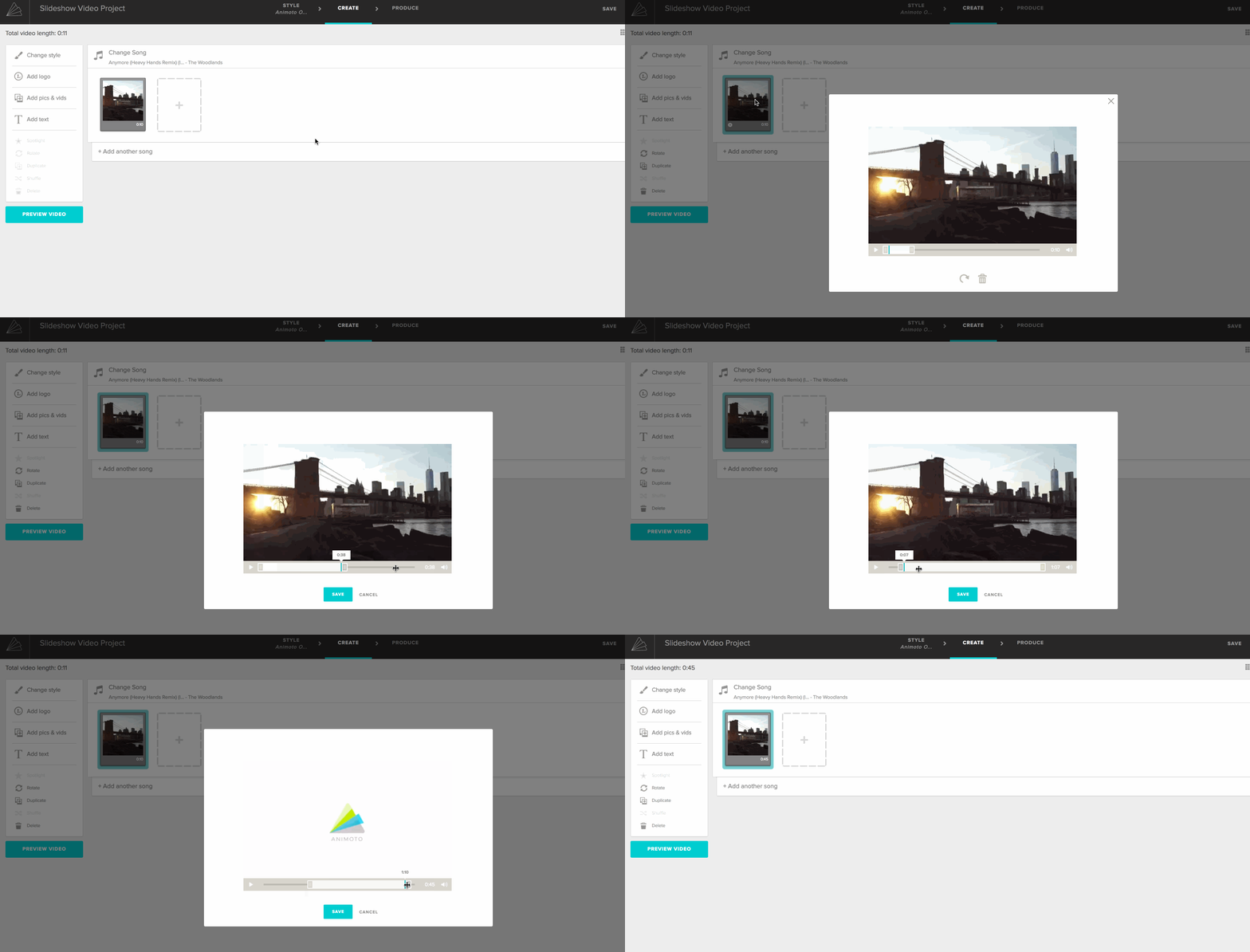
When you upload a video clip to Animoto Memories, the trim automatically defaults to the first 10 seconds of your clip to prevent it from going into the overflow tray. If you want to display the entire clip, make sure you have space in your song and extend the trim.
To extend the length of your video, double-click on your video clip to open the trim menu. Use the blue sliders to extend and/or trim your clip, as illustrated below.
See also:
Items Going into the Overflow Tray (Animoto Memories - legacy tool)